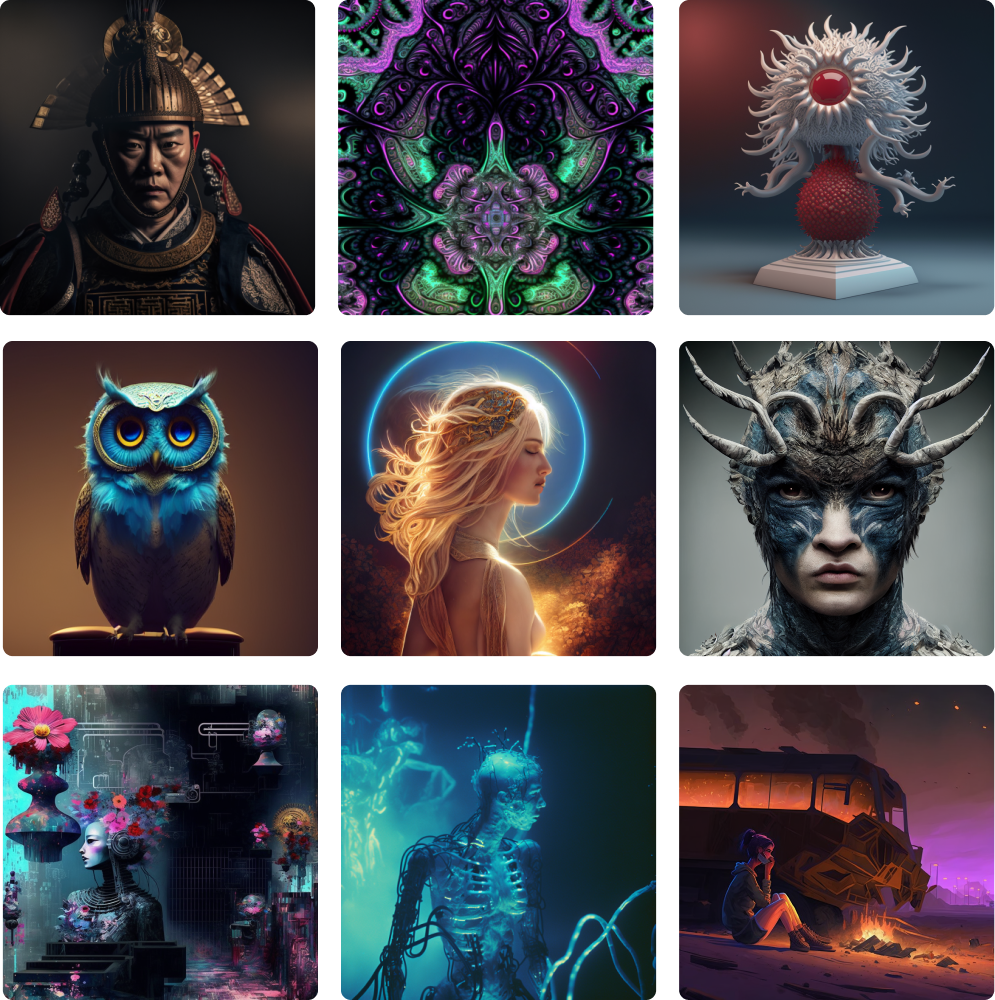
That’s all there is to it
Everything you generate is stored in My Generated , ready to download or share.
Swyxi also ships a second workspace you should know about.
Also in Swyxi
Defense — concept visualization
Create appearance, body and product-design concepts for vehicles, systems and industrial
equipment, using the same describe-and-generate flow you just learned.
9 concept categories with server-provided visual presets
Text-to-image, or image-to-image from your own reference
JPEG, PNG or WebP up to 10 MB with adjustable source strength
Generation runs in the background; concepts are saved to your history
Edit as a variation, regenerate, download or share any result
Defense produces visual concept studies — not engineering drawings or technical weapon specifications.
 Swyxi
Swyxi